
Grammarly
by Grammarly Inc.
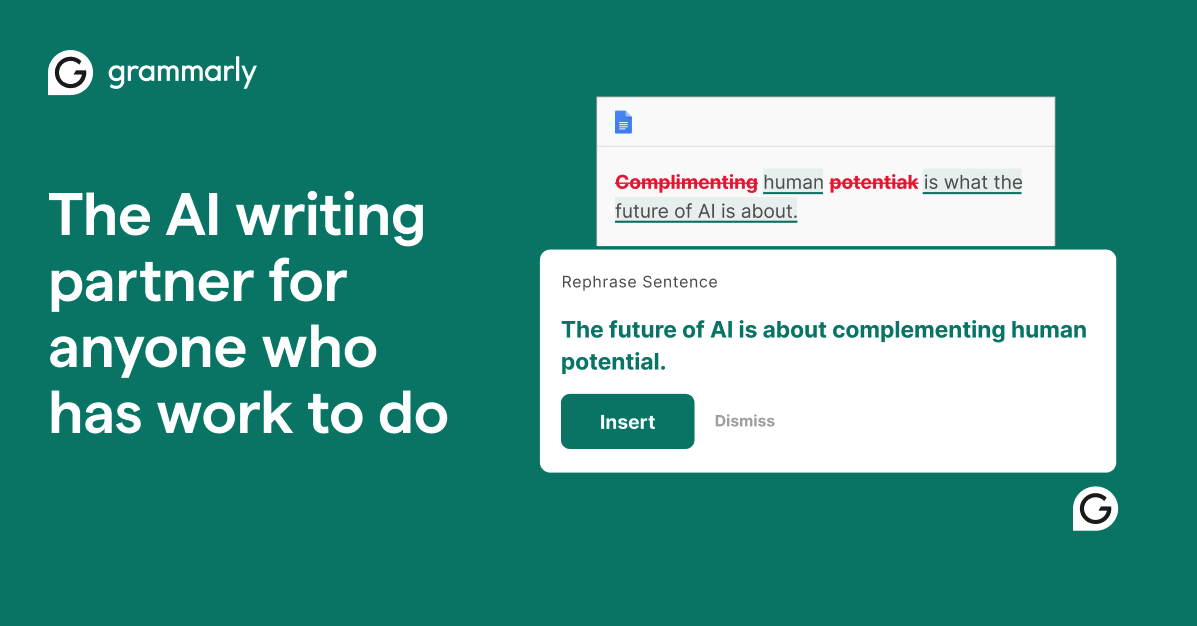
Grammarly is the world’s most trusted AI writing assistant, helping over 30 million people communicate more effectively. From grammar and spelling to tone and clarity, it catches what spell-checkers miss and makes every message better.
Grammarly transformed from a simple grammar checker into the essential writing companion for professionals, students, and anyone who writes. With deep integrations across platforms and devices, it catches errors and suggests improvements wherever you write—email, documents, social media, or messaging apps.
The intelligence behind Grammarly extends far beyond catching typos. It understands context, recognizes tone, and adapts suggestions to your goals. Writing an email to your boss? Grammarly helps strike the professional tone. Drafting a friendly message? It adjusts recommendations accordingly. This contextual awareness makes it genuinely useful rather than pedantically annoying.
Key Capabilities
Real-time writing analysis catches grammar, spelling, and punctuation errors as you type. Tone detection analyzes how your message might come across—confident, friendly, formal, or potentially condescending. Clarity suggestions simplify wordy sentences and improve readability.
Premium features include vocabulary enhancement, genre-specific writing style checks, and plagiarism detection with billions of web pages as reference. GrammarlyGO brings generative AI into the mix, helping you compose, rewrite, and reply with AI assistance while maintaining your voice.
Who Is It For
Grammarly serves everyone who writes: professionals ensuring polished communications, students perfecting papers, non-native speakers building confidence, marketers crafting campaigns, and executives reviewing important documents. The universal appeal reflects how fundamental clear writing is across roles.
What Sets It Apart
Ubiquity is Grammarly’s superpower. Browser extensions, desktop apps, mobile keyboards, Microsoft Office integration, Google Docs support—Grammarly works wherever you write. This seamless presence means it’s always helping, not just when you remember to check.
Pros
- Industry-leading accuracy
- Works everywhere you write
- Clear, educational explanations
- Professional tone guidance
- Extensive platform support
- Respects writing style while improving
Cons
- Premium features require subscription
- Occasional false positive suggestions
- Can feel prescriptive for creative writing
- Privacy concerns with cloud processing
- Some advanced features missing on mobile
- Style enforcement not always appropriate
Key Features
- Real-time grammar, spelling, and punctuation correction
- Tone detection and adjustment recommendations
- Clarity and readability improvements
- Vocabulary enhancement suggestions
- Plagiarism detection (Premium)
- GrammarlyGO AI writing assistance
- Style guide enforcement (Business)
- Cross-platform sync and cloud storage
- Browser extensions for all major browsers
- Desktop apps and mobile keyboards
Pricing Plans
Free: Basic grammar and spelling. Premium: $12/month (billed annually) for advanced suggestions, tone, and clarity. Business: $15/member/month with team features, style guides, and admin controls.